 MiseTable
Demo
43 seconds, no narration. A recipe imported from a link, dropped onto the week, and turned into a grocery list grouped by where things sit in the store.
Free to use in coverage of MiseTable. Download the MP4 (11.7 MB, 1080×1920, H.264).
Fact sheet
- App name
- MiseTable
- Subtitle
- Import, cook, plan & shop
- Developer
- Michael Donovan — independent developer, Bloomington, Illinois
- Released
- 5 September 2026
- Category
- Food & Drink
- Price
- Free. MiseTable Pro subscription optional, $9.99/year
- Platforms
- iPhone, iPad, Apple Watch
- Requires
- iOS 26.0, iPadOS 26.0, watchOS 26.0
- Apple ID
- 6760955435
- Languages
- English
- Built with
- SwiftUI, SwiftData, CloudKit, Swift 6
- App Store
- apps.apple.com/us/app/misetable/id6760955435
Boilerplate
Written to be pasted verbatim. Take whichever length fits.
One line
MiseTable is a meal planner and grocery list app for iPhone, iPad and Apple Watch that turns any recipe link into a week of dinners and a shopping list sorted by aisle.
Short — about 60 words
MiseTable is a meal planner and grocery list app for iPhone, iPad and Apple Watch. Paste a link from almost any cooking site and it imports the ingredients, steps, photo and nutrition. Drag recipes onto the week, and one tap produces a grocery list with duplicates merged and everything grouped by aisle. It works offline, needs no account, and is free to download.
Long — about 130 words
MiseTable is a meal planner and grocery list app for iPhone, iPad and Apple Watch, built by one developer in Bloomington, Illinois. It imports recipes from almost any cooking site by pasting a link, or from a photographed cookbook page using on-device intelligence. Recipes are dragged onto a weekly calendar, and a single tap turns that week into a grocery list with duplicate ingredients merged and items grouped by supermarket aisle.
A full-screen cooking mode keeps the screen awake and turns written times into one-tap timers, with the current step carried to Apple Watch and the Lock Screen. MiseTable requires no account, works fully offline, and syncs through the user's own iCloud. There are no ads, no analytics SDKs and no tracking. It is free, with an optional Pro subscription.
What it does
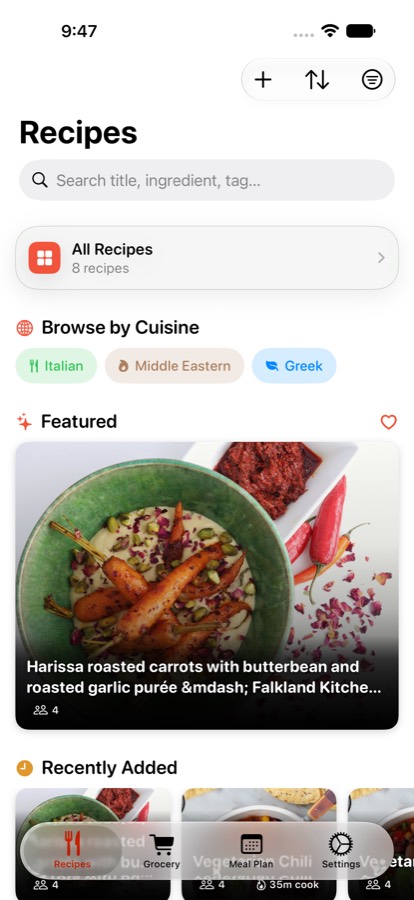
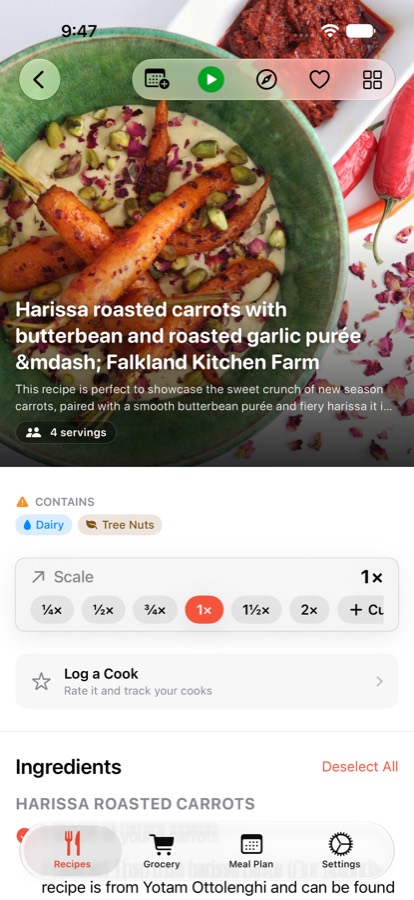
- Import from a link. Paste a URL from almost any recipe site and get ingredients, steps, photo and nutrition — including grouped sections like "For the Sauce." Or share straight from Safari.
- Scan a cookbook page. Photograph a printed card or cookbook spread and on-device intelligence reads it in.
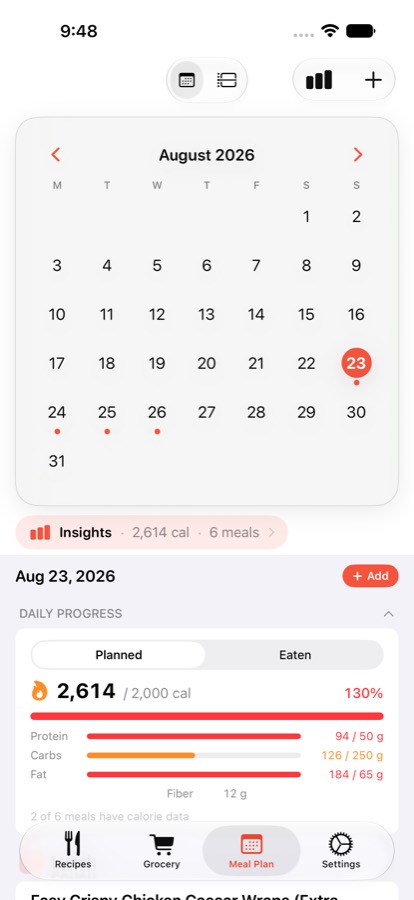
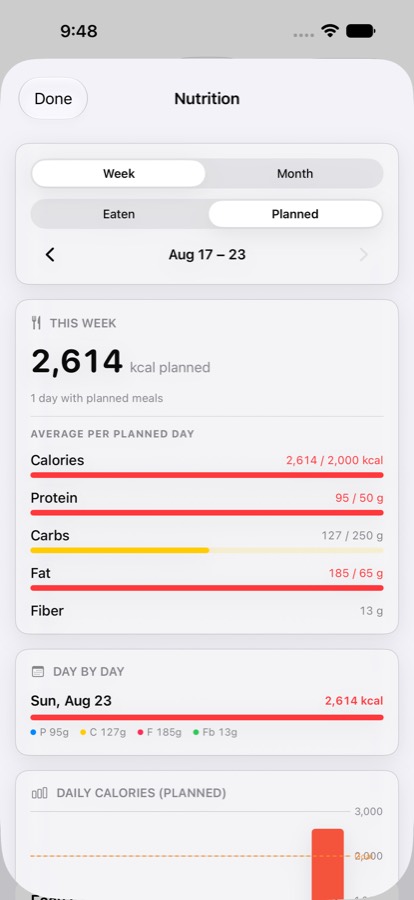
- Plan the week. Drag recipes onto a calendar for breakfast through dessert, save reusable weekly templates, and see each day's nutrition at a glance.
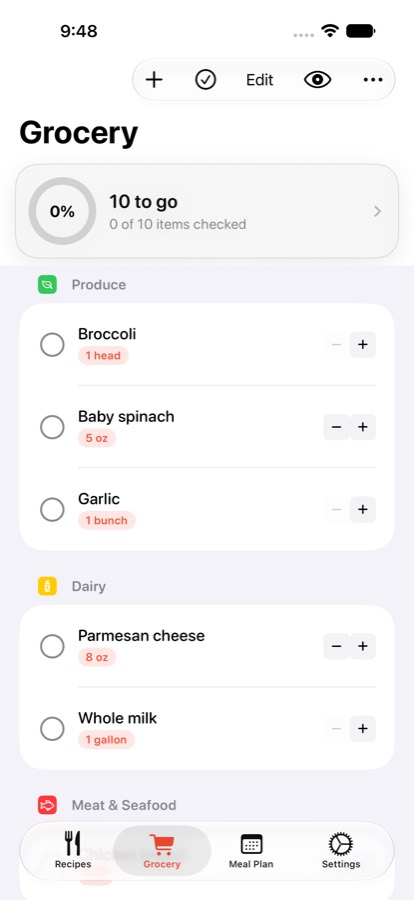
- One grocery list, sorted by aisle. Duplicates across recipes merge into a single quantity, and items group the way the store is laid out.
- Cook with your hands free. Full-screen steps, screen stays awake, and times like "simmer 10 minutes" become one-tap timers — mirrored to Apple Watch and a Live Activity on the Lock Screen.
- Suggestions from your own library. "Suggested" ranks what fits the day; "Rediscover" surfaces meals you haven't made in a while. All on device, no feed.
- Household sharing. Up to six family members keep recipes, plans and lists in sync over iCloud.
- Nutrition and Apple Health. Calories and macros per meal against daily goals; mark a meal eaten and it logs to Apple Health.
- Siri, widgets and Reminders. Ask Siri what's for dinner, keep the week on the Home Screen, and mirror the grocery list two ways into Apple Reminders.
Privacy
These are structural, not policy promises — there is no server to send anything to.
- No account. Nothing to sign up for, nothing to sign in to.
- Works fully offline. Recipes sync through the user's own iCloud; the developer never sees them.
- Recipe scanning and cuisine classification run entirely on device.
- No ads, no analytics SDKs, no tracking.
- Free forever for recipes, importing, planning, shopping and cooking. Pro is optional.
The developer
Available for interviews, written Q&A or a walkthrough.
- Michael Donovan is an independent developer in Bloomington, Illinois.
- MiseTable was written during many mornings, nights and weekends around a full-time job. It started as a fix for his own family's weeknight dinners.
- It is his first app on the App Store. There is no team and no outside investment.
Assets
Click any image for the full-resolution file, or download the whole kit as a ZIP — app icon, all six screenshots and a plain-text fact sheet. Free to use in coverage of MiseTable; please don't alter the app icon.